

Audio Interfaces
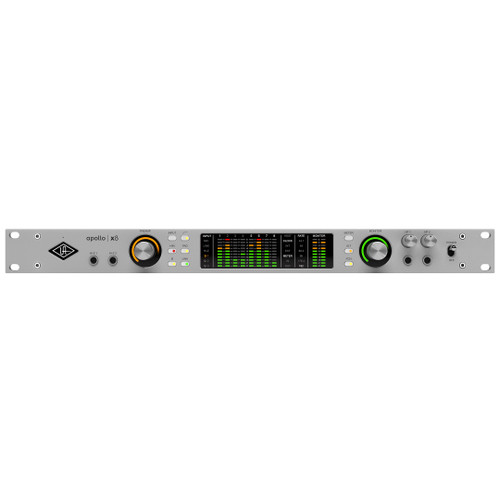
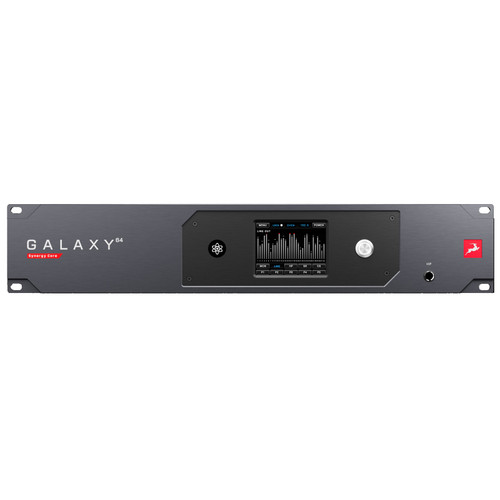


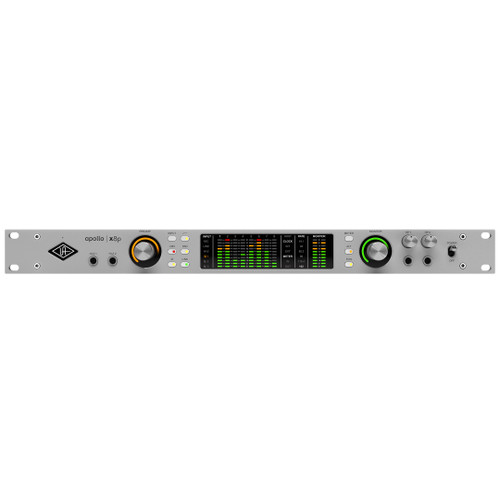






Audio Interfaces at Front End Audio
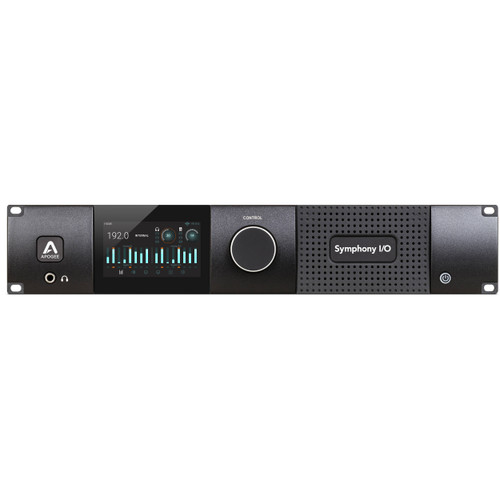
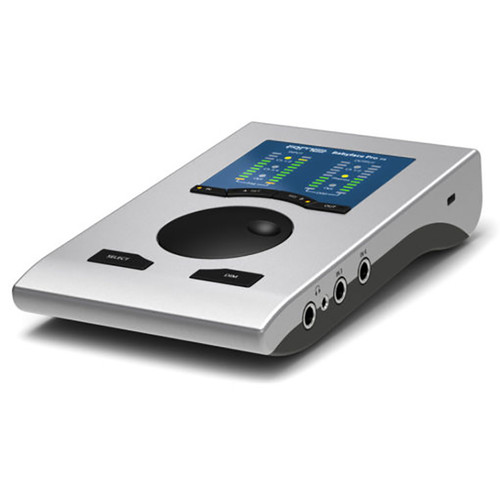
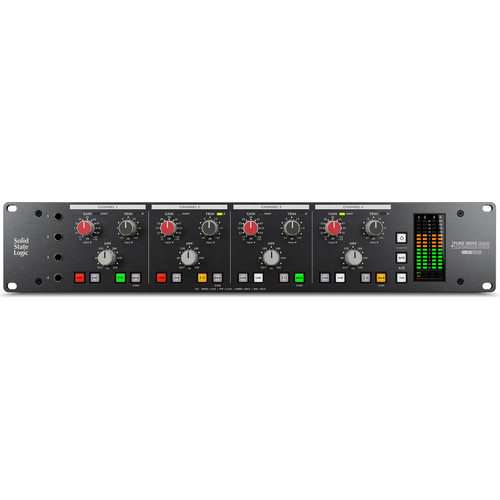
Audio Interfaces connect microphones, instruments, monitors and outboard gear to the computer, making them the central I/O hub of most modern recording and production systems. Front End Audio carries interfaces for everything from streamlined desktop studios to high-channel-count commercial rooms, including USB Audio Interfaces, Thunderbolt Audio Interfaces, Dante Audio Interfaces, Network Audio Interfaces, Pro Tools Interfaces and PCI Audio Interfaces. Choosing the right interface comes down to channel count, connectivity, conversion, monitoring and how the system needs to fit into your actual recording workflow.
Choosing the Right Audio Interface
The best Audio Interface is the one that provides the right combination of inputs, outputs and connectivity without forcing you to work around unnecessary limitations. A songwriter may only need a couple of microphone and instrument inputs, while a commercial studio may require multiple mic preamps, large numbers of analog outputs, digital expansion and dedicated monitor routing. Consider how many sources you need to record at once, how many outputs are required for speakers, headphones or outboard processing, and whether the interface needs to expand through formats such as ADAT, AES, MADI, Dante or other network audio connections.
USB Audio Interfaces for Recording and Production
USB Audio Interfaces are used across everything from compact home studios to professional recording rooms, with current designs offering a wide range of channel counts, microphone preamps, monitor controls and digital expansion options. USB connectivity makes these interfaces practical with many modern computers, while the interface itself determines the quality of the conversion, drivers, routing and analog circuitry. Whether you need a portable two-channel setup or a rackmount system with extensive I/O, USB remains one of the most versatile ways to connect a studio to a DAW.
Thunderbolt Audio Interfaces for High-Performance Studio I/O
Thunderbolt Audio Interfaces provide high-bandwidth connectivity for studios working with larger channel counts, demanding sessions and complex monitoring or routing requirements. They are available in everything from desktop interfaces to professional rackmount systems with extensive analog and digital I/O, onboard DSP and expansion options. Thunderbolt can be especially useful when the interface needs to move large numbers of channels between the studio and computer, but overall performance still depends on the interface design, drivers, computer and DAW configuration.
Dante and Network Audio Interfaces
Dante Audio Interfaces and broader Network Audio Interfaces move professional audio over Ethernet-based networks, making it possible to connect recording rooms, stage boxes, converters, consoles and computers across larger systems. These workflows are widely used in studios, live sound, broadcast and installed audio where flexible routing and high channel counts are important. Network audio can also make future expansion easier because additional devices can often be added to the existing infrastructure without relying on large bundles of traditional point-to-point analog cabling.
Pro Tools and PCI Audio Interfaces
Studios built around dedicated professional systems may need more specialized connectivity. Pro Tools Interfaces include DigiLink and HDX-compatible hardware for high-channel-count recording, conversion and professional production environments, while PCI Audio Interfaces connect directly through a computer's PCIe architecture for workflows where internal expansion, low-latency operation or specialized digital I/O is required. These systems are especially relevant in commercial studios, broadcast facilities and other installations where the computer and interface are designed as part of a larger integrated system.
Microphone Preamps, Conversion and Monitoring
Many Audio Interfaces combine several studio functions into a single unit, including microphone preamps, AD/DA conversion, headphone amplification and monitor control. The number and quality of those built-in features can be just as important as the computer connection itself. Studios that already use dedicated Microphone Preamps or external converters may place greater emphasis on line-level I/O and digital expansion, while a smaller production setup may benefit from an interface that provides a complete recording front end in one chassis.
Build an Audio Interface System That Can Grow
Choosing an Audio Interface around both today's sessions and tomorrow's expansion can prevent the studio from outgrowing the system too quickly. Start with enough analog inputs and outputs for the sources, speakers and cue mixes you regularly use, then consider whether the interface offers digital or network expansion for additional channels later. Microphone Preamps, external conversion and other studio hardware can then be added around the interface as the recording setup grows. Building the interface around the way you actually record, mix and monitor creates a system that supports the workflow instead of dictating it.

 Sign Up for exclusive sales and offers!