

-

Universal Audio
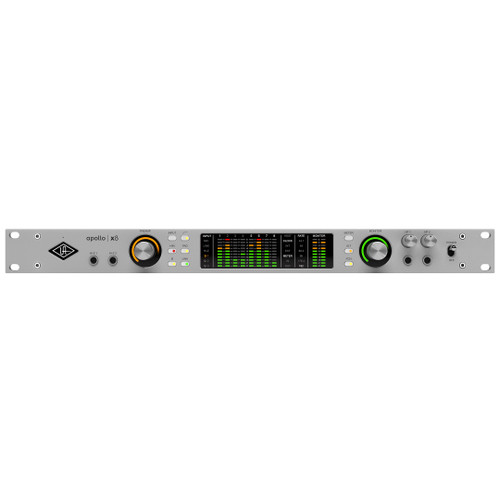
Universal Audio Apollo X8 Gen 2 Audio Interface (Essentials Edition)
$2,999.00 $2,899.00On Sale! -
-
Universal Audio
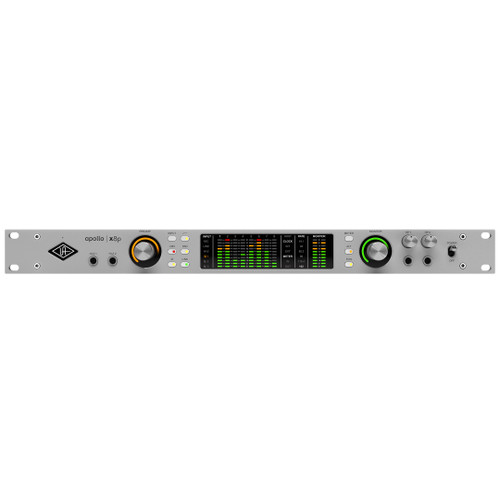
Universal Audio Apollo X8P Gen 2 Audio Interface (Essentials Edition)
$3,499.00 $3,399.00On Sale! -
Universal Audio
Universal Audio Apollo X8P Gen 2 Audio Interface (Studio Edition)
$3,799.00 $3,699.00On Sale! -
-
-
Universal Audio
Universal Audio Apollo Twin X QUAD Gen 2 Audio Interface (Studio Edition)
$1,799.00 $1,699.00On Sale! -
Universal Audio
Universal Audio Apollo Twin X QUAD Gen 2 Audio Interface (Essentials Edition)
$1,499.00 $1,399.00On Sale! -
Universal Audio
Universal Audio Apollo X16 Gen 2 Audio Interface (Ultimate Edition)
$4,999.00 $3,998.00On Sale! -
Universal Audio
Universal Audio Apollo X16 Gen 2 Audio Interface (Essentials Edition)
$3,999.00 $3,899.00On Sale! -
Universal Audio
Universal Audio Apollo X8 Gen 2 Audio Interface (Studio Edition)
$3,299.00 $3,199.00On Sale! -
-
-
-
-
-
-
-
-
Thunderbolt Audio Interfaces

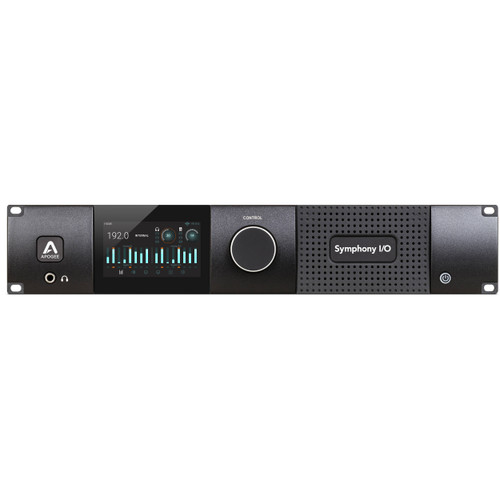
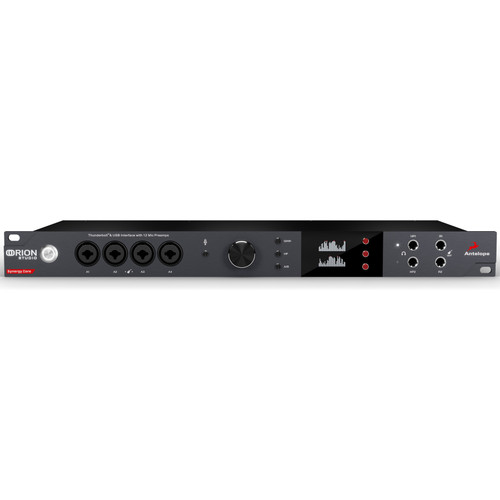
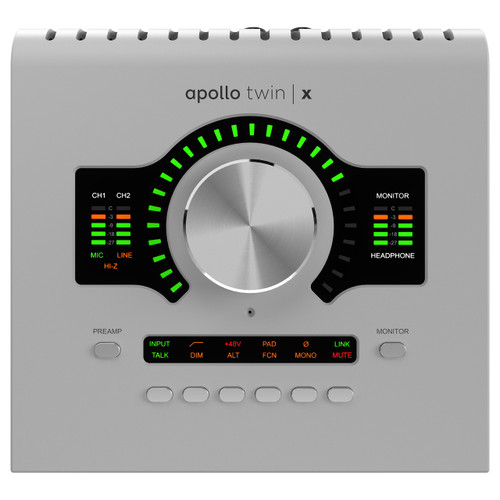

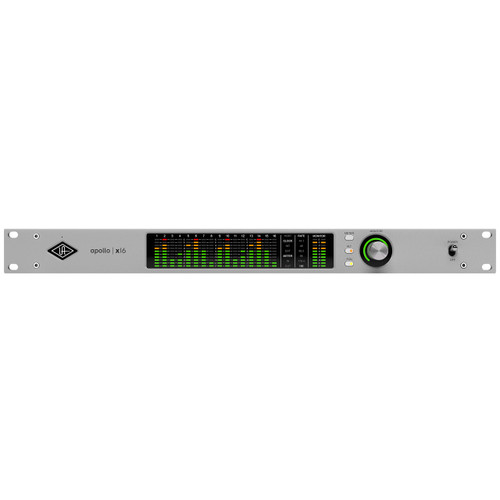


Thunderbolt Audio Interfaces at Front End Audio
Thunderbolt Audio Interfaces provide fast, high-bandwidth connectivity for recording studios that need reliable audio performance, low-latency workflows and flexible I/O. Front End Audio carries Thunderbolt interfaces for everything from compact desktop recording systems to professional rackmount studios with extensive analog and digital connectivity. Depending on the model, a Thunderbolt interface may combine microphone preamps, instrument inputs, AD/DA conversion, monitor control, headphone outputs, onboard DSP and digital expansion in a single system, making it possible to build a recording setup around the exact channel count and workflow you need.
Why Choose a Thunderbolt Audio Interface?
Thunderbolt offers the bandwidth needed to move large numbers of audio channels between an interface and computer while supporting the low-buffer workflows commonly used for recording and monitoring. For engineers working with larger sessions, multiple microphone inputs, external converters or digital expansion, that bandwidth can make Thunderbolt an especially practical connection format. Actual latency and performance still depend on the interface, driver design, computer and DAW configuration, but a well-designed Thunderbolt interface can provide the responsive recording experience required for tracking vocals, instruments, full bands and other demanding studio sessions.
Choosing the Right Thunderbolt Interface
The best Thunderbolt Audio Interface depends on how many sources you need to record, how many outputs your studio requires and which parts of the recording chain you want built into the interface. A songwriter or producer may only need a few microphone and instrument inputs, while a commercial studio may require eight or more mic preamps, additional line inputs, multiple monitor outputs and extensive digital I/O. Consider the number and quality of microphone preamps, analog inputs and outputs, headphone mixes, monitor control, ADAT, S/PDIF, AES, MADI or network audio connectivity, along with the ability to expand the system as your studio grows.
Thunderbolt 3, Thunderbolt 4 and Studio Compatibility
Modern Thunderbolt interfaces can use different generations of the Thunderbolt connection, including Thunderbolt 3 and Thunderbolt 4, while some newer systems also provide USB4 or other connection options. Because connector shape alone does not guarantee compatibility, it is important to check the interface manufacturer's operating system, computer, cable and Thunderbolt requirements before choosing a system. Mac and Windows support can vary by model, and some professional interfaces are designed around specific software, DSP or expansion ecosystems. Matching the interface to your computer and studio workflow from the start can help avoid connectivity issues and make future expansion easier.
Thunderbolt Interfaces for Recording, Mixing and Monitoring
A Thunderbolt interface can serve as the central hub of a professional recording system. During tracking, microphone preamps and instrument inputs bring sources into the DAW, while low-latency monitoring and headphone routing help performers work comfortably. During mixing, multiple analog outputs can feed studio monitors, headphone systems or external analog processors, and high-channel-count interfaces can support hybrid mixing and summing workflows. Some interfaces also include onboard DSP for monitoring effects, routing or signal processing, while others focus on high-quality conversion and flexible I/O for studios that already use dedicated outboard preamps and monitoring hardware.
Build the Right Thunderbolt Recording System
A Thunderbolt interface should be chosen as part of the complete studio signal chain rather than simply by input count. Pairing the interface with the right Studio Microphones, Microphone Preamps and Studio Monitors can create a recording system that fits the way you actually work. Studios that need additional digital expansion can also explore AD/DA Converters and other digital I/O options for increasing channel count without replacing the entire interface.

 Sign Up for exclusive sales and offers!