

Interconnect Cables




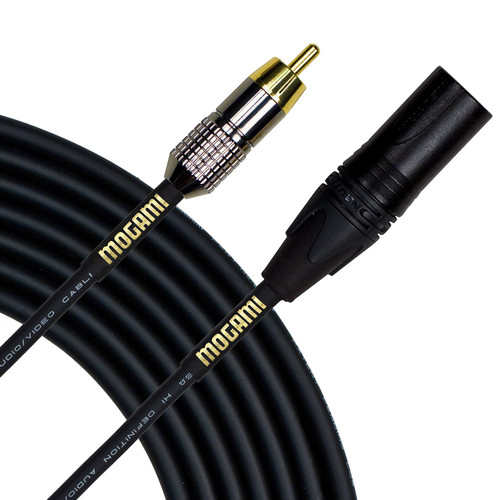

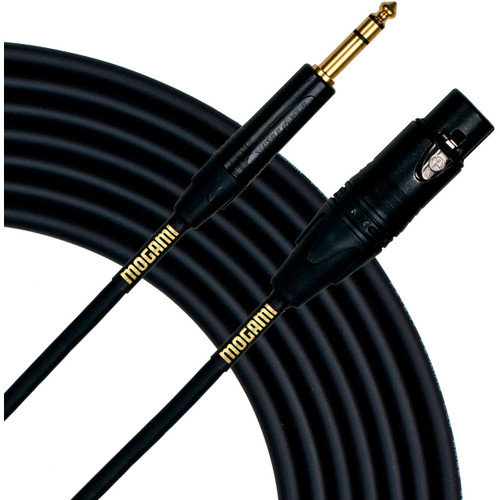


Interconnect Cables at Front End Audio
Interconnect Cables handle many of the everyday connections between professional studio components, carrying line-level signals between audio interfaces, studio monitors, preamps, compressors, equalizers, monitor controllers and other outboard equipment. Front End Audio carries balanced and unbalanced studio interconnects in XLR, TRS, TS, RCA and 1/8-inch configurations, so the important part is choosing the connection that matches both pieces of equipment rather than simply buying a cable that physically fits. A properly chosen interconnect should make the signal path dependable and predictable, whether you are connecting a pair of monitors to an interface, wiring analog processors into a rack or adapting between different connector formats in an existing studio.
Choosing the Best Balanced Audio Cables for Studio Gear
Balanced audio cables are the standard choice for many professional line-level studio connections because balanced wiring helps reject noise picked up along the cable run. In most studios, that means XLR and 1/4-inch TRS connections between interfaces, converters, preamps, compressors, monitor controllers and powered monitors. The best balanced audio cable is not necessarily the most expensive cable in the rack; connector quality, shielding, construction, flexibility and an appropriate cable length all matter in daily use. It is also important to confirm that the equipment itself is actually using a balanced connection. A TRS connector can carry a balanced mono signal, but similar-looking connectors may be used differently depending on the device, so checking the manufacturer's input and output specifications is always better than assuming based on the jack alone.
XLR to TRS Cables for Audio Interfaces, Studio Monitors and Outboard Gear
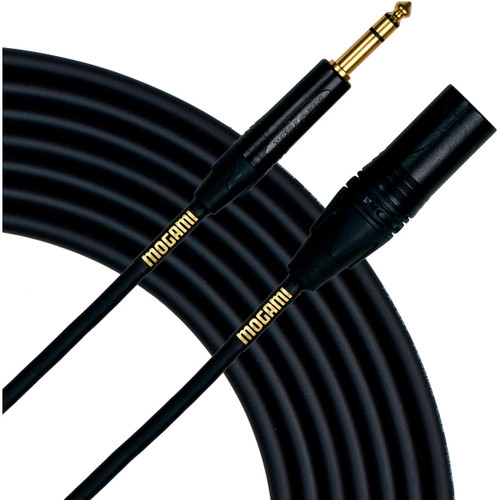
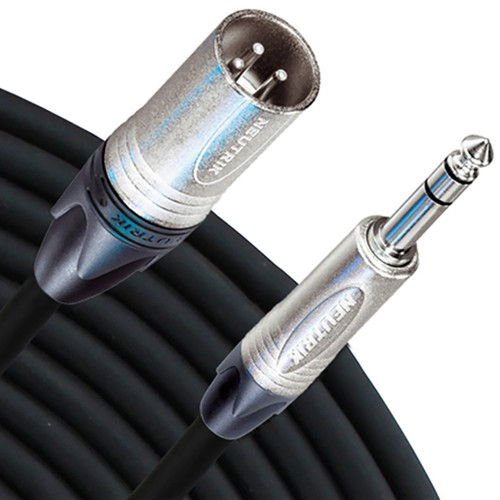
XLR to 1/4 Cables are among the most useful interconnects in a recording studio because professional equipment frequently mixes XLR and balanced TRS connections. A common example is connecting the TRS outputs of an audio interface or monitor controller to the XLR inputs of powered studio monitors, while another is routing the XLR output of a microphone preamp or other analog processor into a balanced TRS line input. Front End Audio has a particularly deep selection in this area from Mogami, RapcoHorizon and Warm Audio, which together account for a substantial portion of the current XLR-to-TRS assortment. Choosing XLR male or female at the cable end comes down to the equipment being connected, so it is worth confirming connector gender before ordering rather than discovering the mismatch when the cable reaches the rack.
TRS to TRS Cables for Balanced Line-Level Studio Connections
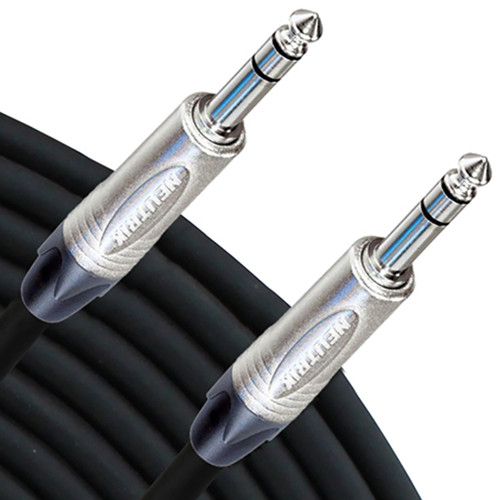
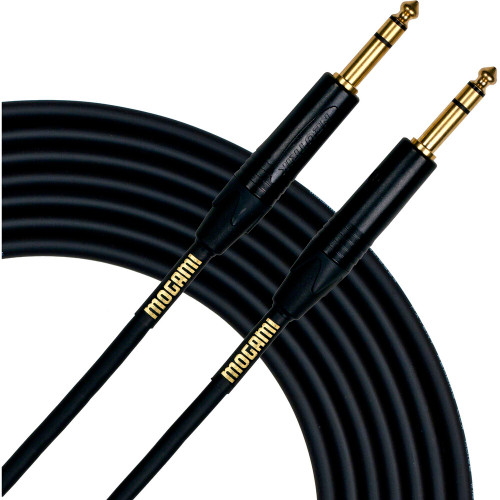
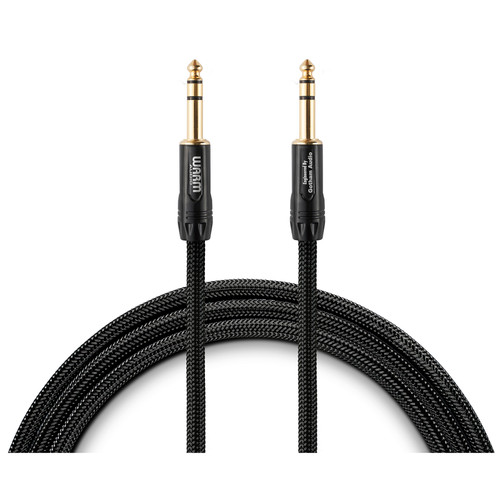
1/4 to 1/4 Cables are commonly used when both pieces of studio equipment provide quarter-inch connections. Balanced TRS-to-TRS cables can connect interfaces, mixers, monitor controllers, synthesizers and line-level processors when the hardware supports balanced I/O, while TS connections are typically associated with unbalanced signals such as instruments and certain consumer or musical-instrument equipment. This distinction matters because TRS and TS plugs may fit into similar jacks while carrying signals differently. When wiring a permanent studio connection, look at the actual output and input specifications for both devices, then choose the appropriate balanced or unbalanced cable rather than relying on the connector shape alone.
XLR, TRS and RCA Cables for Professional and Consumer Audio Connections
Professional and consumer audio equipment do not always use the same connector formats, which is why interconnect categories such as XLR-to-RCA, TRS-to-RCA and RCA-to-RCA remain useful in modern studios. RCA connections are common on consumer playback devices, some converters, hi-fi equipment and certain studio products, while XLR and TRS dominate professional balanced analog connections. Front End Audio carries RCA to RCA Cables along with the other adapter-style interconnect configurations needed to bridge those systems. When connecting equipment with different signal formats, remember that changing the connector does not automatically change the electrical characteristics of the signal. Balanced versus unbalanced operation and professional versus consumer operating levels should still be considered when integrating the two devices.
Interconnect Cables for Preamps, Compressors, Converters and Patchbays
Interconnect cabling becomes especially important once a studio starts using multiple pieces of analog hardware. A preamp may feed a compressor, the compressor may route through a patchbay, and the finished signal may return to an interface or converter for recording. In a hybrid mixing setup, those same paths may run in the opposite direction as DAW outputs are sent through analog EQ, compression or other processors and then returned for capture. This is where consistent connector choices, practical cable lengths and good labeling become more important than chasing exotic cable claims. A studio with straightforward, documented wiring is considerably easier to troubleshoot and reconfigure when a session changes.
Building a Reliable Studio Interconnect Cable System
A good studio cabling plan starts by identifying which connections stay in place and which ones need to change regularly. Permanent connections between an interface, monitor controller and speakers can usually be wired once with appropriately sized balanced cables, while outboard processing is often better served through a patchbay and shorter interconnects that allow the routing to change from session to session. Mogami, RapcoHorizon and Warm Audio all have strong representation in Front End Audio's current Interconnect Cables assortment, giving studios useful choices across construction styles and price points. Front End Audio has been helping customers put together recording systems since 2003, and our non-commissioned team can help you identify the right connector format, gender and cable type for a specific piece of equipment. If you are not certain what should connect two devices, call us at 888-228-4530 and we can help you sort out the signal path before you order.

 Sign Up for exclusive sales and offers!