

DAWs




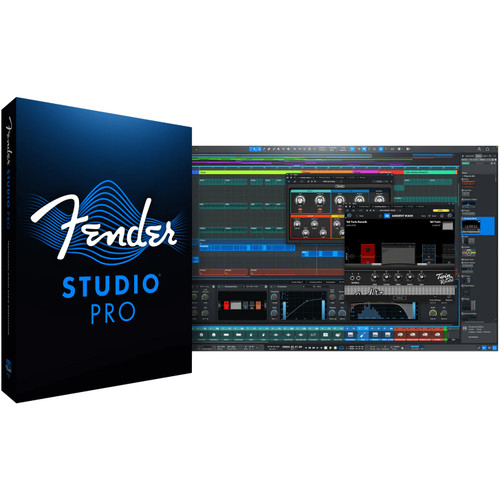

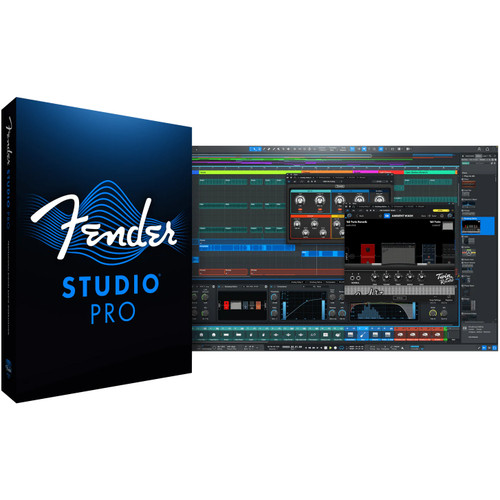
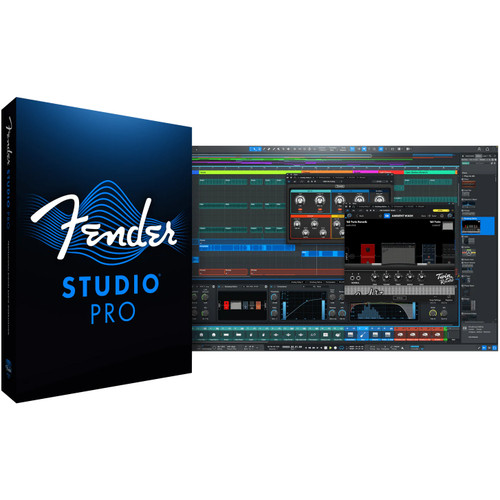


Digital Audio Workstation Software at Front End Audio
DAW Software is the center of most modern recording studios, handling everything from multitrack recording and editing to MIDI production, mixing, automation and final delivery. Front End Audio carries professional digital audio workstations for commercial studios, project rooms, home recording, music production and post-production workflows. The right DAW should do more than provide a long feature list—it should make the work you do every day faster and more intuitive. Session size, editing style, MIDI requirements, plugin compatibility, collaboration needs and the hardware already in your studio can all influence which recording platform makes the most sense. Whether you are building a new system or moving from another platform, choosing a DAW around your actual workflow is far more useful than simply buying whichever software happens to be most familiar.
Choosing the Best DAW Software for Recording and Mixing
When people ask about the best DAW software for recording and mixing, there is no universal winner because different platforms are strong in different types of production. Engineers tracking bands and large multitrack sessions may place a high value on fast editing, session management, routing and hardware integration, while producers working heavily with MIDI and virtual instruments may care more about sequencing, composition tools and creative workflow. Mixing engineers may prioritize automation, plugin management, control-surface integration and the ability to move quickly through large sessions. Before changing platforms, also consider how easily old sessions can be exchanged with clients and collaborators. The best DAW is usually the one that supports your normal work without continually forcing you around the software.
Pro Tools vs. Cubase for Professional Studio Recording
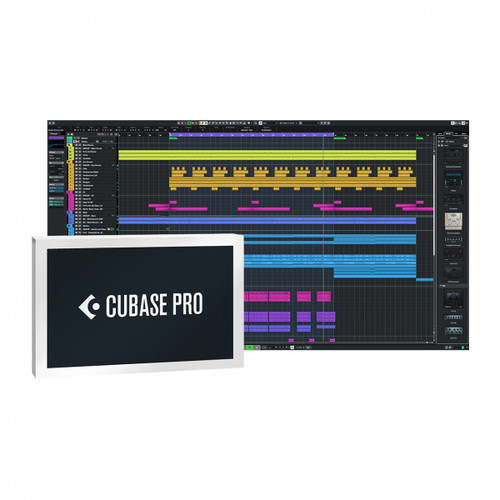
Avid Pro Tools and Steinberg Cubase are two of the most established DAW platforms in Front End Audio's current software selection, but they approach production from somewhat different directions. Pro Tools has a long history in professional recording, editing, mixing and post-production environments, while Cubase combines deep audio recording with extensive MIDI, composition and music-production tools. That does not mean one is automatically better than the other. A studio exchanging sessions with outside engineers may value compatibility with a commonly used professional platform, while a producer composing and arranging largely inside the DAW may place greater emphasis on MIDI and creative production features. Steinberg's Nuendo extends that family further into advanced post-production and media workflows. Comparing the software around the work you actually do is more useful than choosing based on reputation alone.
DAW Software for Music Production, MIDI and Virtual Instruments
Modern music production often moves back and forth between recorded audio, MIDI sequencing, software instruments and programmed material, making the DAW as much a creative instrument as a recording machine. Producers working with synthesizers, drum programming, orchestral libraries or electronic music should look closely at MIDI editing, arrangement tools, automation, tempo handling and how efficiently the software manages virtual instruments. Once the core platform is established, Plug-Ins & VSTi can expand the system with additional instruments, effects, dynamics, equalizers, restoration tools and sound-design options. The goal is not to collect the largest possible software library, but to build a production environment where the DAW and plugins work together naturally enough that technology stays out of the way of the creative process.
DAW Compatibility with Audio Interfaces, Plugins and Studio Hardware
Before purchasing DAW software, make sure it fits the rest of the recording system. Operating-system support, computer requirements, plugin formats and audio-driver compatibility all matter, particularly when older hardware or software is involved. Your Audio Interface is the primary connection between the DAW and the physical studio, so available I/O, driver support, latency and the way you monitor during recording should be considered together with the software. Engineers building around Avid hardware can also explore dedicated Pro Tools Interfaces for systems where tighter integration is important. Control surfaces, MIDI controllers and other hardware can further change the experience by moving frequently used functions away from the mouse and back under your hands.
DAW Software for Mixing, Mastering and Final Production
A capable DAW can carry a project from the first recorded track through editing and mixing to the final stereo mix, but the best workflow depends on how specialized the final stages need to be. Most professional DAWs provide extensive automation, routing, plugin processing and export options for mixing, while dedicated Mastering & Editing Software can make more sense when you regularly handle detailed stereo editing, album sequencing, multiple deliverables or mastering-specific metering and file preparation. Many studios use both: the DAW remains the primary environment for recording and mixing, while a separate mastering application handles the final assembly and delivery process. Thinking about that complete workflow before choosing software can prevent you from buying features you will never use—or discovering later that an important part of your process requires another application.
Building a Professional DAW-Based Recording Studio
A professional DAW setup is really an ecosystem rather than a single piece of software. The computer, audio interface, monitoring, plugins, controllers and outboard hardware all need to work together reliably, and seemingly small compatibility issues can become frustrating when the studio is expected to run every day. Start with the type of sessions you actually produce, the channel count you need, the software your clients and collaborators use, and how much of the workflow will remain in the box versus moving through analog hardware. Front End Audio has been helping studios integrate recording software and hardware since 2003, and our non-commissioned team can help you compare DAWs, interfaces and compatibility before you commit to a platform. If you are building a new recording system or considering a move between Pro Tools, Cubase or another DAW, call us at 888-228-4530 and we can help you work through the setup.

 Sign Up for exclusive sales and offers!