

Pro Tools Interfaces


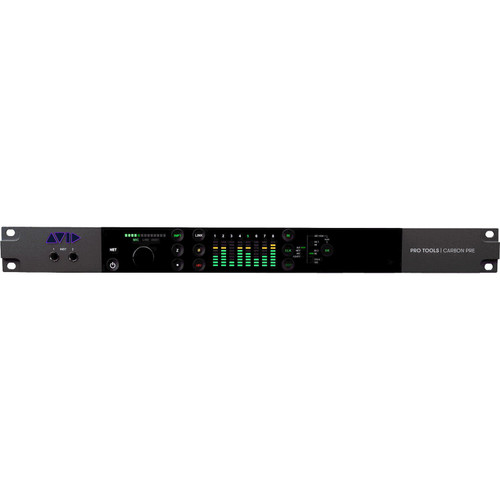


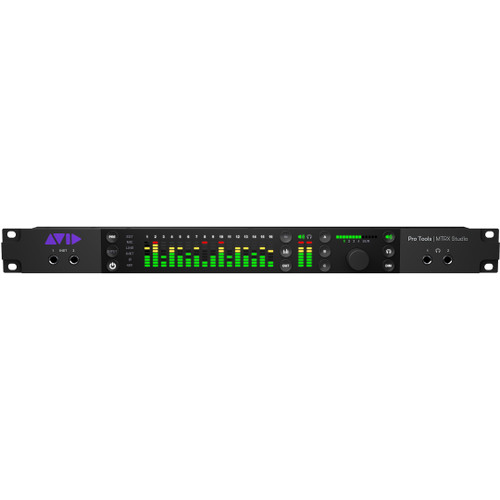
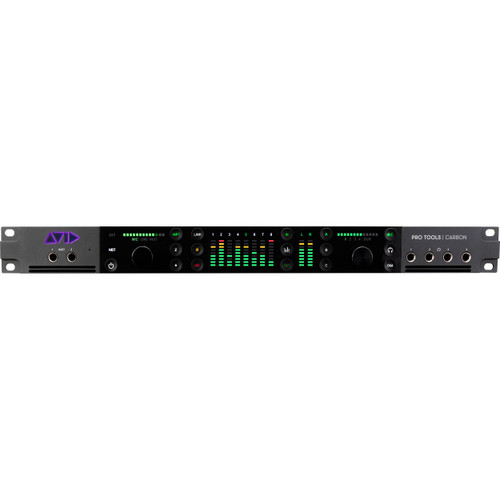


Pro Tools Interfaces at Front End Audio
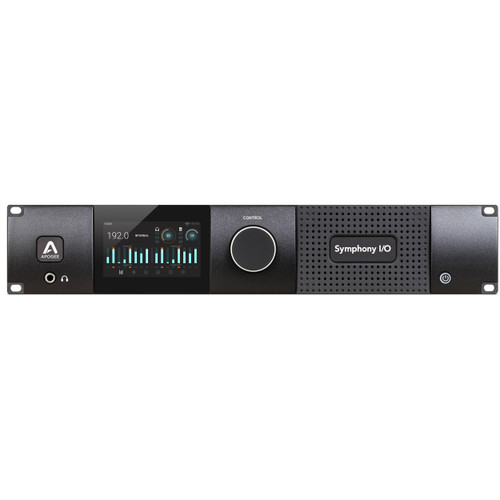
Pro Tools Interfaces provide the audio I/O, conversion and system connectivity needed to build professional Pro Tools recording, mixing and post-production systems. Front End Audio carries Pro Tools-compatible interfaces and expansion solutions ranging from streamlined studio systems to high-channel-count HDX and DigiLink configurations designed for commercial recording, mixing, mastering and production environments. Depending on the system, a Pro Tools interface may provide analog and digital I/O, microphone preamps, AD/DA conversion, Dante networking, monitor integration or dedicated connectivity to Pro Tools HDX hardware.
Choosing a Pro Tools Audio Interface
The right Pro Tools Audio Interface depends on the version of Pro Tools you use, the amount of I/O your studio requires and whether you are building a native or HDX-based system. Smaller recording environments may only need a traditional computer audio interface, while larger studios can require dedicated DigiLink connectivity, multiple converters, extensive analog I/O and integration with professional synchronization or monitoring systems. Before choosing an interface, consider your required input and output count, microphone preamps, digital formats, sample rates, monitoring needs and how the interface will connect to both the computer and the rest of the studio.
Pro Tools HDX and DigiLink Interfaces
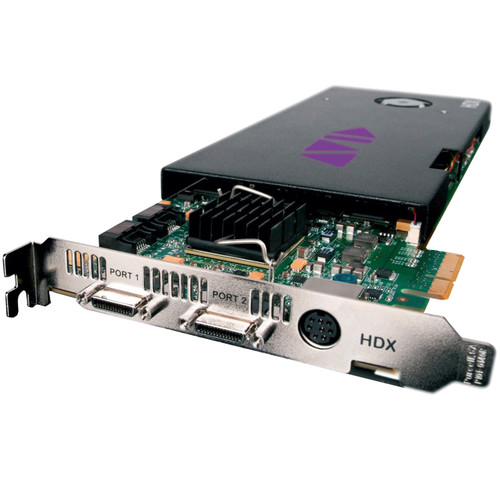
Pro Tools HDX systems are built around dedicated DSP hardware and DigiLink-connected audio interfaces, making them well suited for high-channel-count recording, low-latency monitoring and demanding professional workflows. DigiLink allows compatible converters and interfaces to connect directly with Pro Tools HDX hardware, and many systems can be expanded with additional interfaces as I/O requirements grow. Current solutions range from Avid MTRX and MTRX Studio systems to third-party interfaces and converters designed specifically for Pro Tools HD and HDX connectivity. Avid also maintains specific compatibility requirements for Pro Tools HD hardware, so system compatibility should always be confirmed when combining interfaces, HDX cards and Pro Tools software versions.
Pro Tools Interfaces for Recording and Mixing
A Pro Tools interface can serve as the center of the studio signal path during both recording and mixing. During tracking, analog inputs and microphone preamps bring microphones, instruments and line-level sources into Pro Tools, while monitor and headphone outputs support performer cue mixes and control-room monitoring. During mixing, additional outputs can feed analog compressors, equalizers, summing mixers and other outboard processors before returning the processed signal to Pro Tools. Larger systems may also incorporate Dante, MADI, ADAT, AES or other digital formats to connect converters, monitor systems and additional studio rooms.
Building a High-Channel-Count Pro Tools System
Commercial recording studios, scoring facilities and post-production rooms often need far more I/O than a single interface can provide. Pro Tools HDX and DigiLink systems can be configured around multiple converters and interfaces to provide large numbers of analog and digital channels while keeping routing centralized within Pro Tools. When planning a larger system, it is important to consider not only total channel count but also synchronization, digital expansion, monitor routing, outboard integration and future growth. Choosing the right combination of interface, conversion and connectivity can make the system easier to expand without rebuilding the entire studio infrastructure.
Complete Your Pro Tools Recording System
A professional Pro Tools system often combines several pieces of studio hardware beyond the interface itself. Explore AD/DA Converters for additional analog and digital I/O, Monitor Controllers for control-room routing and speaker management, and Microphone Preamps when you want dedicated front-end gain and analog character before conversion. Building these pieces around the requirements of your Pro Tools system makes it easier to create a recording and mixing workflow that can grow with the studio.

 Sign Up for exclusive sales and offers!