

D/A Converters






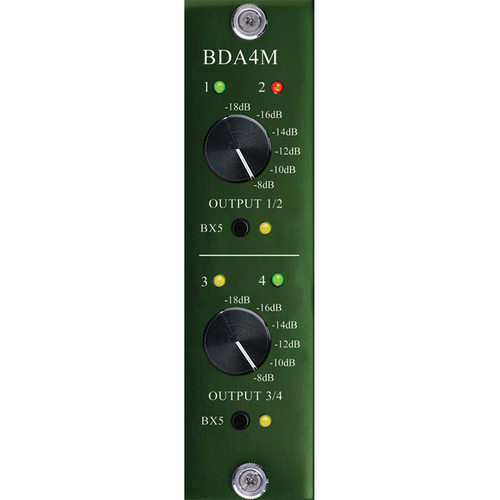


D/A Converters at Front End Audio
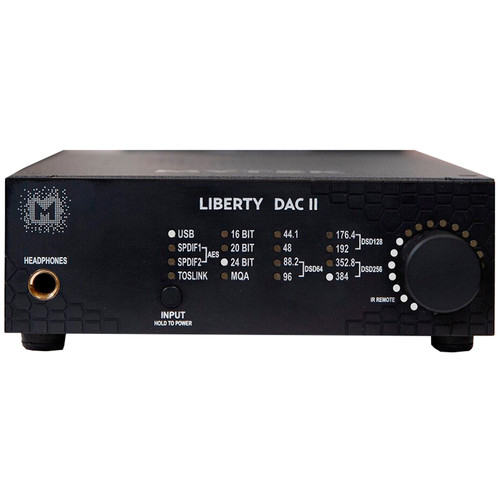
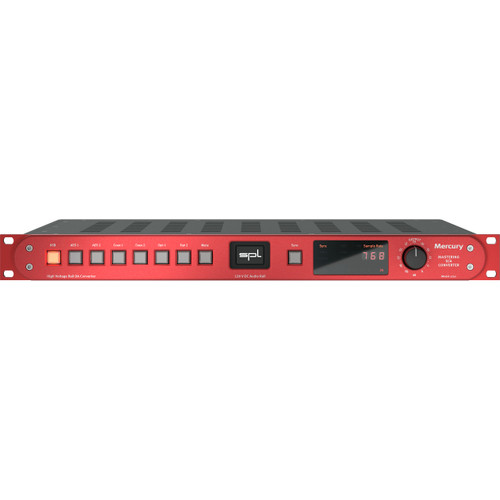
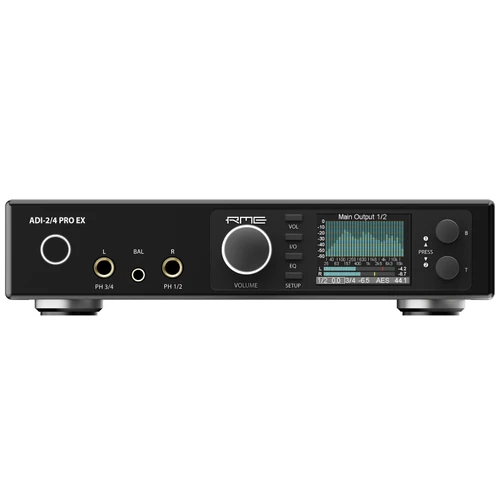
D/A Converters turn digital audio from a DAW, recorder or other digital source into an analog signal for monitoring, mastering and external processing. Front End Audio carries professional D/A Converters ranging from precision stereo converters for critical listening and mastering to systems designed to feed analog consoles, monitor paths and outboard hardware. When every decision depends on what you hear coming back from the digital session, the D/A stage becomes an important part of the monitoring chain rather than simply another connection between the computer and speakers.
Choosing a D/A Converter
The right D/A Converter depends on where the analog output is going and how the converter fits into the rest of the studio. A dedicated stereo converter may be ideal for a mastering room or critical monitoring setup, while additional output channels can support alternate speakers, analog processing or more complex routing. Consider digital input formats, analog output connections, operating levels, sample-rate support, clocking, level control and whether the unit also provides headphone monitoring or other control-room features. The best choice is the converter that integrates cleanly with the studio while giving you a dependable reference for the work you are doing.
D/A Converters for Critical Studio Monitoring
Monitoring is one of the most important applications for dedicated D/A Conversion because every mix decision is ultimately based on the analog signal feeding the listening system. A professional D/A Converter can connect directly to a Monitor Controller or other control-room hardware before feeding your Studio Monitors. Building this playback path carefully gives engineers a consistent reference for evaluating level, frequency balance, stereo imaging, dynamics and low-level detail throughout recording, mixing and mastering.
D/A Converters for Mastering
Mastering engineers rely heavily on the playback side of the conversion chain because subtle decisions about EQ, compression, limiting and level all begin with an accurate analog representation of the digital source. Dedicated D/A Converters are commonly used to feed analog mastering processors, monitor systems and comparison paths, while some designs add level control, metering or additional routing specifically suited to critical listening. In a hybrid mastering chain, digital audio may leave the workstation through D/A Conversion, pass through analog processing and then return through A/D Conversion for final capture.
D/A Conversion for Hybrid Mixing and Outboard Gear
D/A Converters also provide the analog outputs needed to bring digital tracks and stems into a hardware-based mixing workflow. Individual outputs can feed analog Compressors, Equalizers, Summing Mixers or a console before the processed signals return to the DAW through A/D Conversion. Studios using larger hybrid systems may therefore need several channels of D/A Conversion rather than only a stereo monitor feed. Planning the output count around the amount of Outboard Gear you actually use keeps the conversion system flexible without paying for channels that never enter the workflow.
Digital Inputs, Clocking and Studio Integration
Professional D/A Converters may accept AES/EBU, S/PDIF, USB, MADI, network audio or other digital formats depending on the design. The correct input format should match the interface, computer or digital infrastructure already in the studio, while Word Clock and other synchronization options become relevant when several digital devices need to operate together. Dedicated Clocking Devices can provide a centralized timing reference in larger systems, but external clocking should be used because the system requires synchronization rather than assumed to improve every standalone converter automatically.
D/A vs. A/D and AD/DA Conversion
A D/A Converter handles the digital-to-analog side of the signal path, while an A/D Converter performs the opposite job by converting analog audio into digital for recording. AD/DA Converters combine both directions in one system. A dedicated D/A Converter makes sense when playback, monitoring or feeding analog hardware is the primary requirement, while studios that regularly move audio in both directions may benefit from an integrated AD/DA platform.
Build a Complete Digital Monitoring Chain
D/A Conversion works best when it is planned around the entire playback path. Start with an Audio Interface or digital source that provides the connectivity your studio requires, use the D/A Converter to create the analog signal, route that signal through a Monitor Controller when centralized level and speaker management are needed, and feed the result into properly configured Studio Monitors. Engineers who also need dedicated recording conversion can add an A/D Converter or choose an AD/DA Converter when both directions need to be handled within the same system.

 Sign Up for exclusive sales and offers!