

USB Audio Interfaces




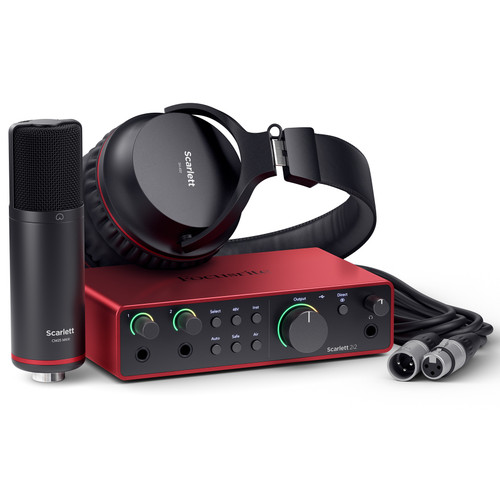


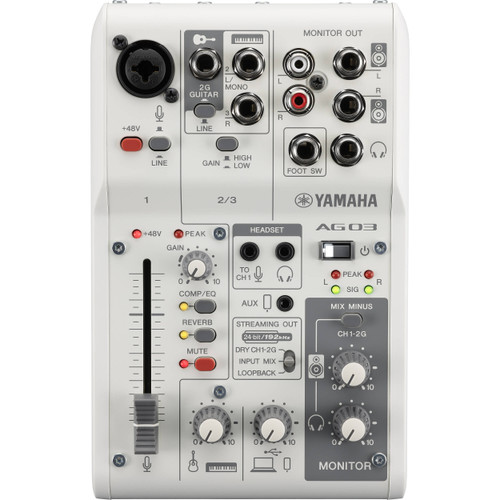

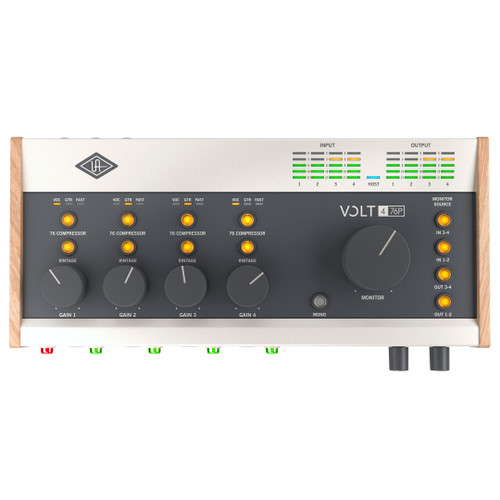
USB Audio Interfaces at Front End Audio
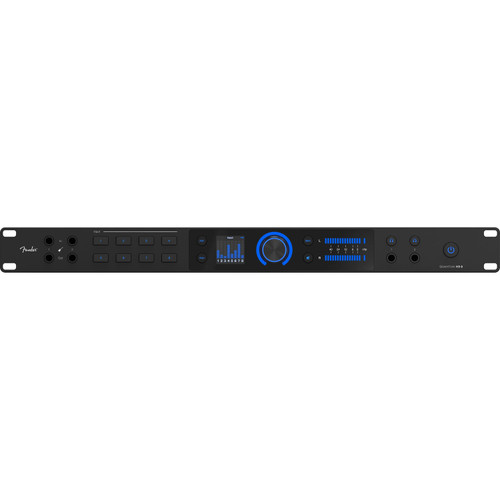
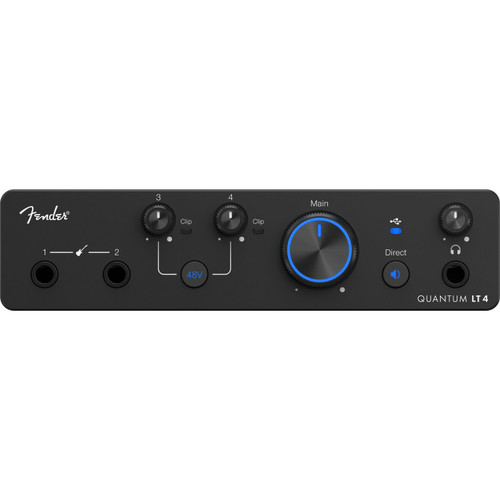
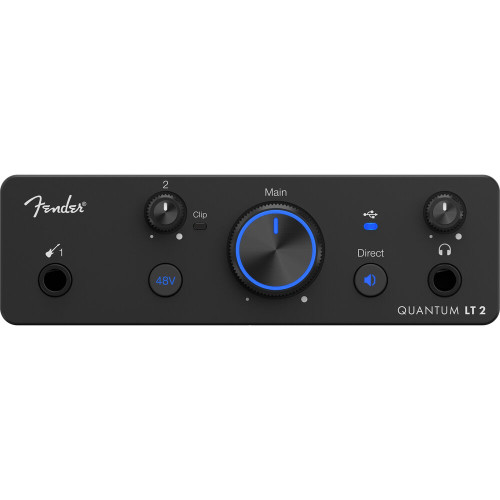
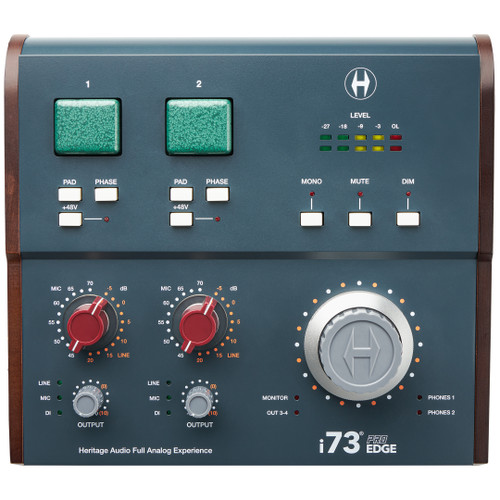
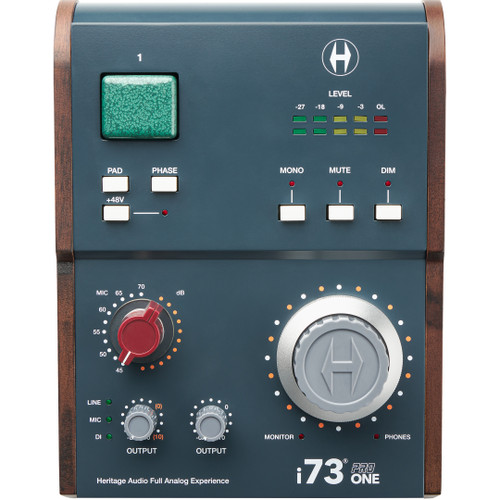
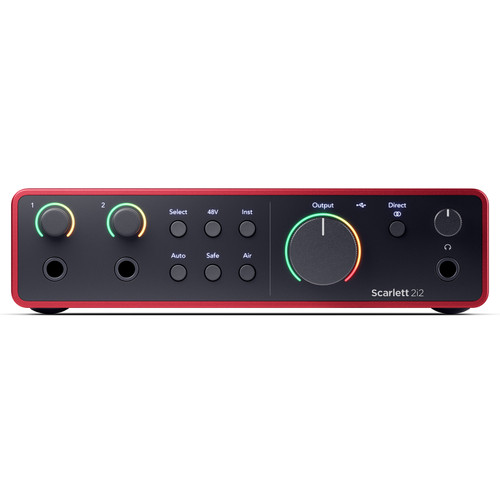
USB Audio Interfaces bring microphones, instruments, monitors and outboard gear into a computer-based recording system, making them one of the most practical ways to build everything from a compact production setup to a professional multi-channel studio. Front End Audio carries USB Audio Interfaces with a wide range of mic preamps, analog and digital I/O, monitor control, headphone outputs and expansion options. Whether you need a portable interface for recording a vocal and instrument, a desktop centerpiece for production and mixing or a rackmount system capable of handling full sessions, the right USB interface should fit the way you actually record rather than simply offer the biggest feature list.
Choosing the Right USB Audio Interface
The best USB Audio Interface starts with the number of sources you need to record at the same time. A songwriter or producer may only need two microphone inputs and a dedicated instrument input, while drum tracking, live sessions and commercial recording can require eight or more preamps along with additional line and digital inputs. Output count matters too, especially if you need multiple Studio Monitors, performer cue mixes or hardware inserts for outboard processing. Beyond channel count, consider the quality of the mic preamps and conversion, driver performance, headphone routing, monitor control and how easily the interface can expand as the studio grows.
USB-C Audio Interfaces and Modern Studio Connectivity
Many current USB Audio Interfaces use a USB-C connector, but the connector itself does not tell you everything about the underlying USB protocol or available performance. USB-C interfaces range from compact bus-powered designs to sophisticated rackmount systems with large channel counts and extensive digital connectivity. When choosing an interface, check the manufacturer's computer, operating system, cable and USB requirements rather than assuming every USB-C connection works the same way. The goal is a stable connection and reliable driver performance that supports the sample rates, buffer settings and channel counts required by your sessions.
Mic Preamps, Instrument Inputs and Studio Recording
Most USB Audio Interfaces include at least one Microphone Preamp, allowing microphones to connect directly to the interface without an external preamp. Many also provide dedicated instrument inputs for guitar and bass, line inputs for keyboards and outboard hardware, and phantom power for condenser microphones. The number and flexibility of these inputs should match the sources you record most often. Studios that already use dedicated outboard preamps may place more value on high-quality line inputs and conversion, while a streamlined project studio may benefit from having the entire recording front end built into one interface.
Expandable USB Audio Interfaces for Larger Studios
A USB interface does not have to be limited to the analog connections built into its chassis. Many professional models include ADAT, S/PDIF, AES, MADI or other digital I/O that can be used to add external preamps and converters as the studio grows. This makes an expandable interface especially useful when you need more microphone inputs for drum or band recording, additional analog outputs for hybrid mixing or digital connectivity to other studio hardware. Planning for expansion from the beginning can extend the useful life of the interface without forcing you to replace the center of the recording system every time your channel count increases.
USB Audio Interfaces for Recording, Mixing and Monitoring
A USB Audio Interface often becomes the control center for more than recording. During tracking, it handles microphone and instrument inputs along with headphone and cue monitoring; during mixing, its outputs feed Studio Monitors, headphones and external analog processors. Some interfaces also include onboard DSP, software mixers, loopback routing or dedicated monitor-control functions that can streamline podcasting, streaming and complex recording sessions. The best feature set is the one that removes friction from the way you work rather than adding controls you never use.
USB vs. Thunderbolt and Network Audio Interfaces
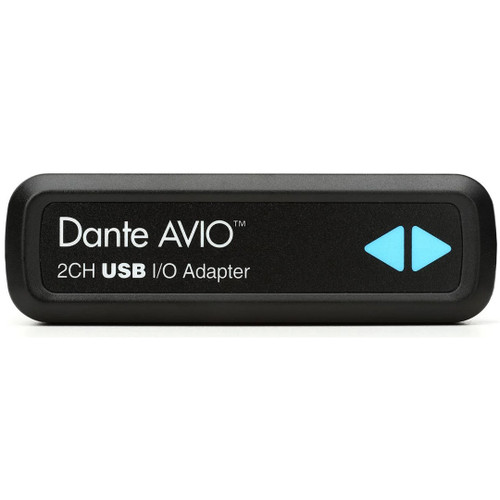
USB is only one way to connect a professional recording system. Thunderbolt Audio Interfaces are another option for studios with demanding computer I/O requirements, while Dante Audio Interfaces and other network systems can distribute large numbers of channels throughout studios, live venues and broadcast facilities over Ethernet infrastructure. The best format depends on the computer, required channel count, expansion plans and workflow rather than one connection type automatically being superior for every studio.
Build a Complete USB Recording System
A USB Audio Interface works best when the rest of the studio is chosen around the same recording goals. Start with the right Studio Microphones for the voices and instruments you record, use dedicated Microphone Preamps when you want additional channels or a different front-end character, and pair the interface with Studio Monitors that fit the room and listening distance. Engineers comparing connectivity options can also explore the complete Audio Interfaces selection at Front End Audio to find the I/O, conversion and expansion approach that best fits the studio.

 Sign Up for exclusive sales and offers!