

Digital Gear







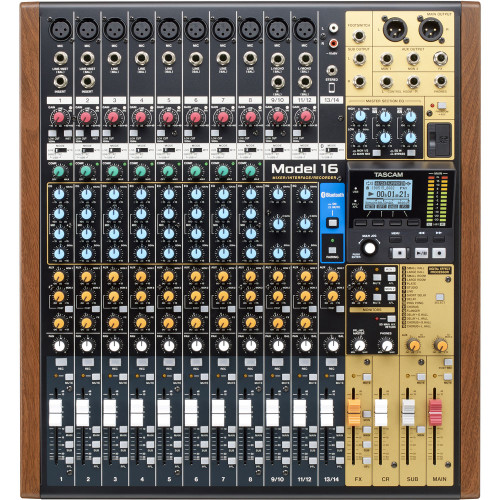
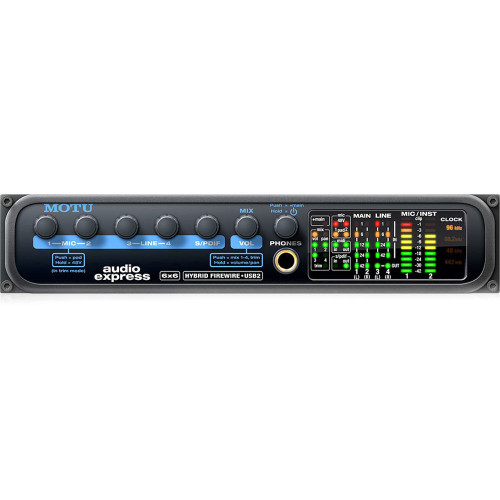
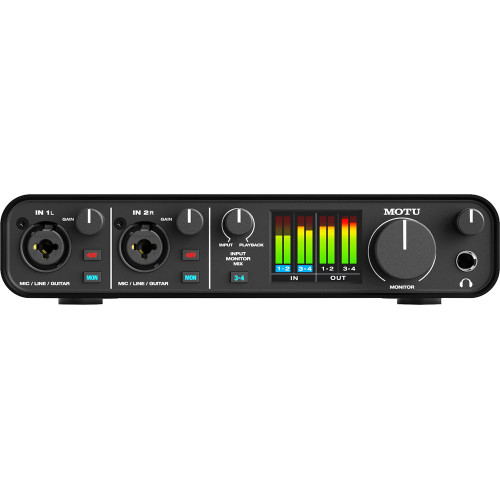
Digital Recording Gear at Front End Audio
Digital Recording Gear connects the studio to the DAW, handles conversion and routing, gives engineers hands-on control over software and captures audio inside or outside the computer. Front End Audio carries professional Audio Interfaces, Converters & Clocks, Controllers and Recorders & Players for home studios, commercial recording rooms, mastering facilities, broadcast and live production. Whether you are building a compact computer-based setup or integrating high-channel-count digital hardware with an analog studio, choosing the right digital tools keeps audio moving reliably from capture through monitoring and final production.
Audio Interfaces for Recording, Mixing and Production
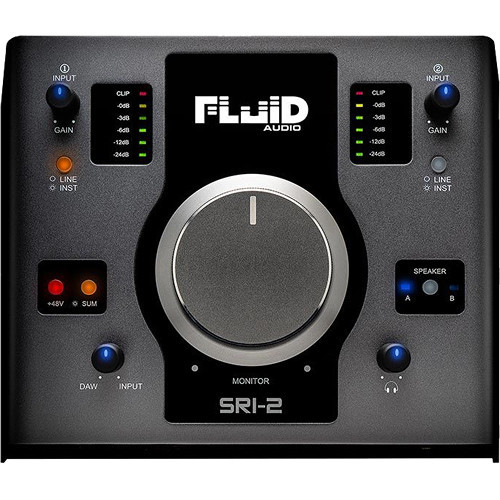
Audio Interfaces are the central connection point for most computer-based studios, bringing microphones, instruments, monitors and outboard hardware into the recording system. Interfaces range from compact desktop units with a few microphone inputs to professional systems with extensive analog and digital I/O, onboard DSP and network expansion. USB, Thunderbolt, Dante, DigiLink and other connection formats make it possible to choose an interface around the computer, channel count and workflow instead of forcing every studio into the same type of system.
Audio Converters and Digital Clocking
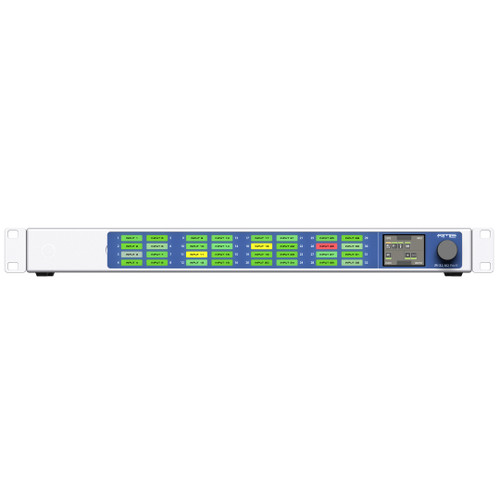
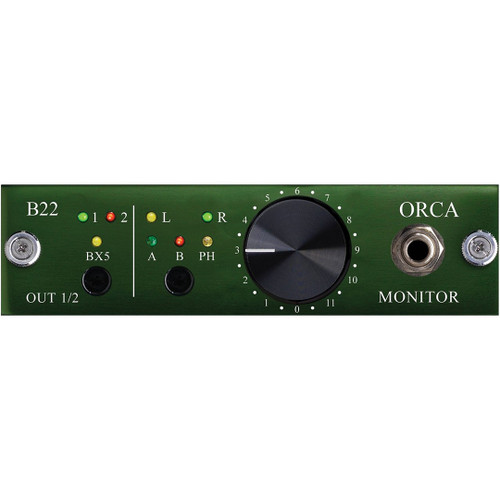
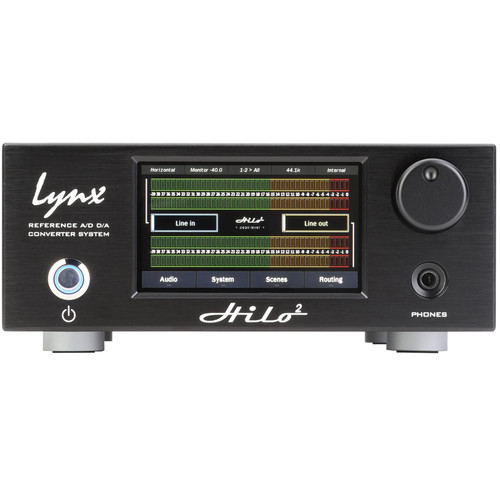
Converters & Clocks handle the transition between analog and digital audio and provide synchronization for more complex digital systems. A/D Conversion captures the output of Microphone Preamps and analog processors into the digital domain, while D/A Conversion feeds Studio Monitors, consoles and Outboard Gear from a DAW or other digital source. AD/DA systems provide conversion in both directions, while Master Clocks, Word Clocks and Format Converters help integrate multiple digital devices when a studio requires additional synchronization or protocol compatibility.
DAW Controllers and Hands-On Studio Control
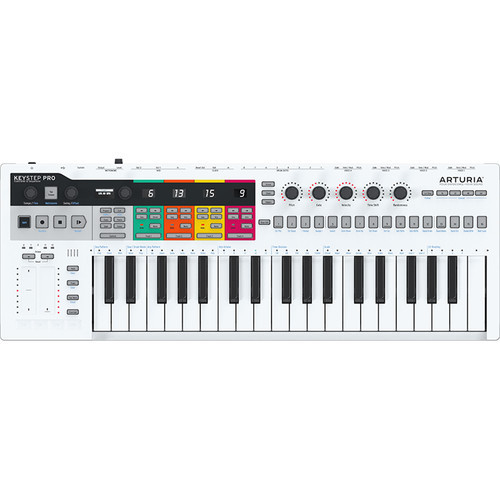
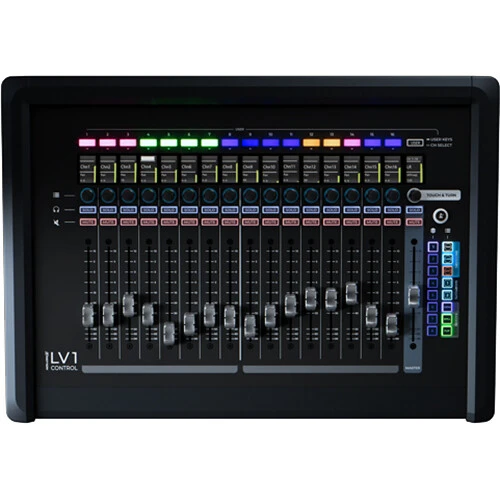
Controllers bring physical control back to software-based production, giving engineers and producers access to faders, knobs, transport controls, plug-in parameters and other DAW functions without relying entirely on a mouse and keyboard. Control Surfaces can range from compact single-fader systems to large multi-channel consoles designed for professional mixing and post-production, while MIDI and production controllers provide additional hands-on control for instruments, software and creative workflows. The right controller should complement the DAW and the way you work rather than simply add another layer between you and the session.
Digital Recorders & Players
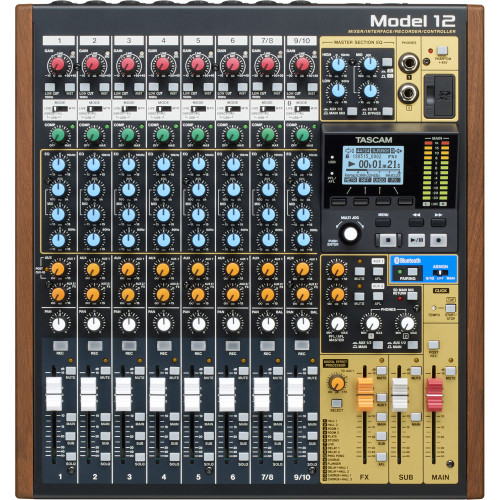
Recorders & Players provide dedicated hardware for capturing, playing back and managing audio without depending entirely on a traditional computer-based DAW. Portable and rackmount recorders can be useful for location recording, live performance, broadcast, rehearsal and backup capture, while professional playback systems support installations and other environments where reliable standalone operation matters. Channel count, recording format, storage media, synchronization and digital connectivity should all be considered when choosing a recorder for the job.
Digital Gear for Hybrid Studios
Modern studios often combine digital recording with dedicated analog hardware rather than choosing exclusively between the two. An Audio Interface or converter can send tracks from the DAW into Microphone Preamps, Compressors, Equalizers, Summing Mixers and other Outboard Gear before returning the processed signal to the digital session. Digital routing and network audio can extend those workflows across larger channel counts or multiple rooms, while Controllers provide hands-on access to the software side of the studio. A well-planned hybrid system lets the DAW handle editing, automation and recall while hardware provides the signal paths and workflow that make sense for the session.
Choosing Digital Gear That Works Together
Digital studio equipment should be selected as a system rather than as a collection of unrelated boxes. Start with the number of channels you need to record and monitor, determine how the computer or recorder will connect, and then consider conversion, digital expansion, synchronization and control. An Audio Interface may provide everything a smaller studio needs in one chassis, while larger systems can combine dedicated Converters & Clocks, Controllers and Recorders & Players around a more specialized workflow. Planning these pieces together makes expansion easier and helps avoid buying equipment that duplicates functions already handled elsewhere in the studio.

 Sign Up for exclusive sales and offers!